Physical Address
304 North Cardinal St.
Dorchester Center, MA 02124
Physical Address
304 North Cardinal St.
Dorchester Center, MA 02124

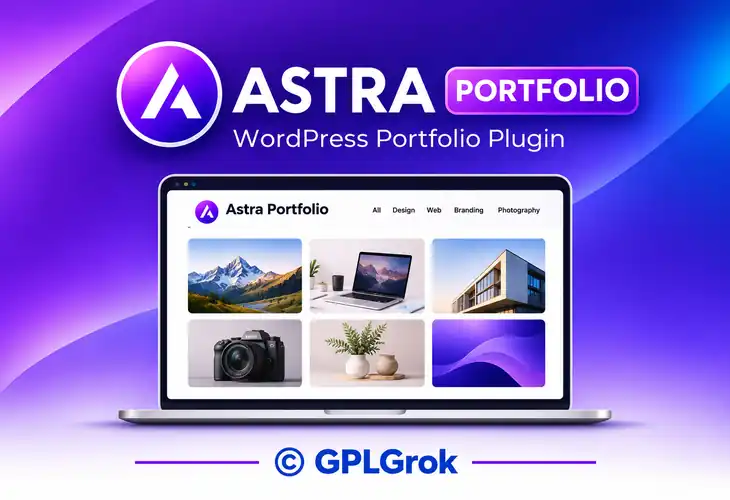
Astra Portfolio is a WordPress portfolio plugin developed by Brainstorm Force. It helps website owners showcase website projects, images, and videos in organized, professional, and visually appealing portfolio layouts.
Whether you are a freelancer, designer, photographer, creative professional, or agency, Astra Portfolio helps you present projects and work samples in an organized portfolio that reflects your skills and creative style.
The plugin provides portfolio presentation options for website projects, images, and videos. You can organize portfolio items and display your work through supported layouts and portfolio presentation tools.
Astra Portfolio is designed for WordPress websites and can be used with supported page builders and WordPress tools to add portfolio showcases to your website.
According to the source provider from which this package was obtained, the file is claimed to be virus-free and free from known security issues. The provider also presents the package as checked for potential malware and other security threats.
These security statements are based on information provided by the original source provider.
Obtained from our selected source provider, which identifies this package as an authentic release of the listed software.
Source Provider ClaimAccording to the source provider, the package is virus-free and has no known security issues.
Provider Security ClaimVersion and release information is presented according to the available details supplied by the source provider.
Version InformationRedistribution is subject to the applicable license terms of the included software package.
License InformationAstra Portfolio helps you showcase creative work and organize portfolio projects on your WordPress website. Its portfolio tools make it easier to display website projects, images, and videos in an organized way.
Showcase website projects, image collections, and video content in organized portfolio displays.
Present portfolio items using supported layouts such as grid and masonry-style displays.
Organize portfolio projects into categories to help visitors browse different types of work.
Use available category filters to help visitors browse relevant portfolio projects.
Use supported page builder integrations to add portfolio displays to your website pages.
Display portfolio content in layouts designed to adapt to desktop, tablet, and mobile screens.
Help visitors find portfolio projects with available portfolio search functionality.
Insert portfolio displays into supported pages and content areas using available blocks or shortcodes.
Available features may vary depending on the installed Astra Portfolio version and configuration.
Astra Portfolio is installed as a WordPress plugin. Before installing the package, make sure your WordPress website is running and that you have administrator access to the dashboard.
Open your WordPress administration area using your website login credentials.
Navigate to Plugins → Add New Plugin → Upload Plugin in your WordPress Dashboard.
Select the Astra Portfolio ZIP package from your computer and upload it to WordPress.
Click Install Now and wait for WordPress to complete the installation process.
Click Activate Plugin to enable Astra Portfolio on your WordPress website.
Add your portfolio projects and configure the available display settings.
Add the portfolio display to the relevant website page using the available block or shortcode.
Download Astra Portfolio directly from GPLGrok without unnecessary redirects, frustrating delays, or repeatedly opening multiple pages. Enjoy a simple, quick, and straightforward download experience with direct access to the ZIP file.
↓ Download Astra PortfolioOne Click. Direct Download. No Unnecessary Redirects.
GPLGrok is an independent website and is not affiliated with, endorsed by, or officially connected to Brainstorm Force or Astra Portfolio. All product names, trademarks, and logos belong to their respective owners.
Software is made available only where applicable license terms permit redistribution. Users are responsible for reviewing license conditions, software compatibility, and installation requirements before use.